
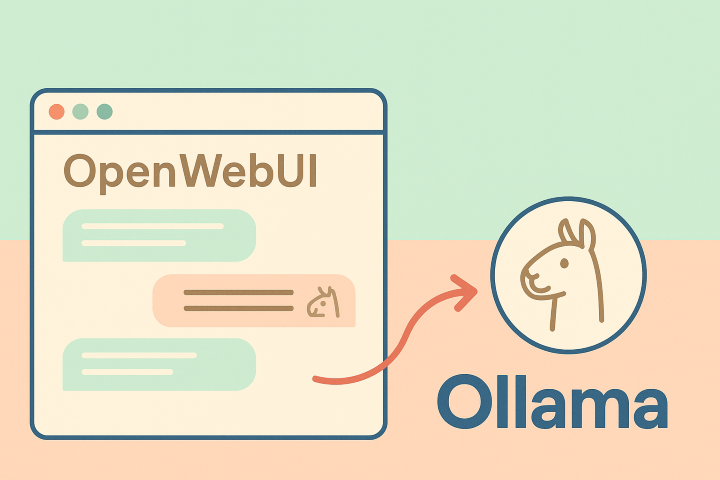
Open WebUI is an open-source web interface designed to interact with large language models (LLM) both local (e.g., Ollama) and remote via OpenAI-compatible APIs.
The graphical interface of this application closely resembles what users experience on systems like ChatGPT, Gemini, Claude.ai, etc., making it easy to use and understand. At the same time, it offers HTTP APIs that allow developers to leverage its features in their own applications.
The main features of Open WebUI are:
- Interaction with language models through a user-friendly and responsive web interface.
- Support for Open AI APIs to send queries to all commercial and non-commercial LLM engines that support them.
- Support for local models (e.g., LLaMA, Mistral, etc.) using an engine like Ollama (directly) or through other engines: LM Studio, LocalAI, etc. (thanks to compatibility with Open AI APIs).
- Support for Lite LLM (which is a proxy for using many commercial and local LLMs).
- Advanced chat interface with: conversation organization, customizable parameters, chat sharing, etc.
- Customization of the user interface layout.
- Support for RAG (Retrieval Augmented Generation).
- HTTP APIs for executing queries from external applications.
- Model builder to customize models to use, with predefined basic properties and behaviors.
- Image generation: using APIs from commercial services like Open AI or local components that require adequate computing power.
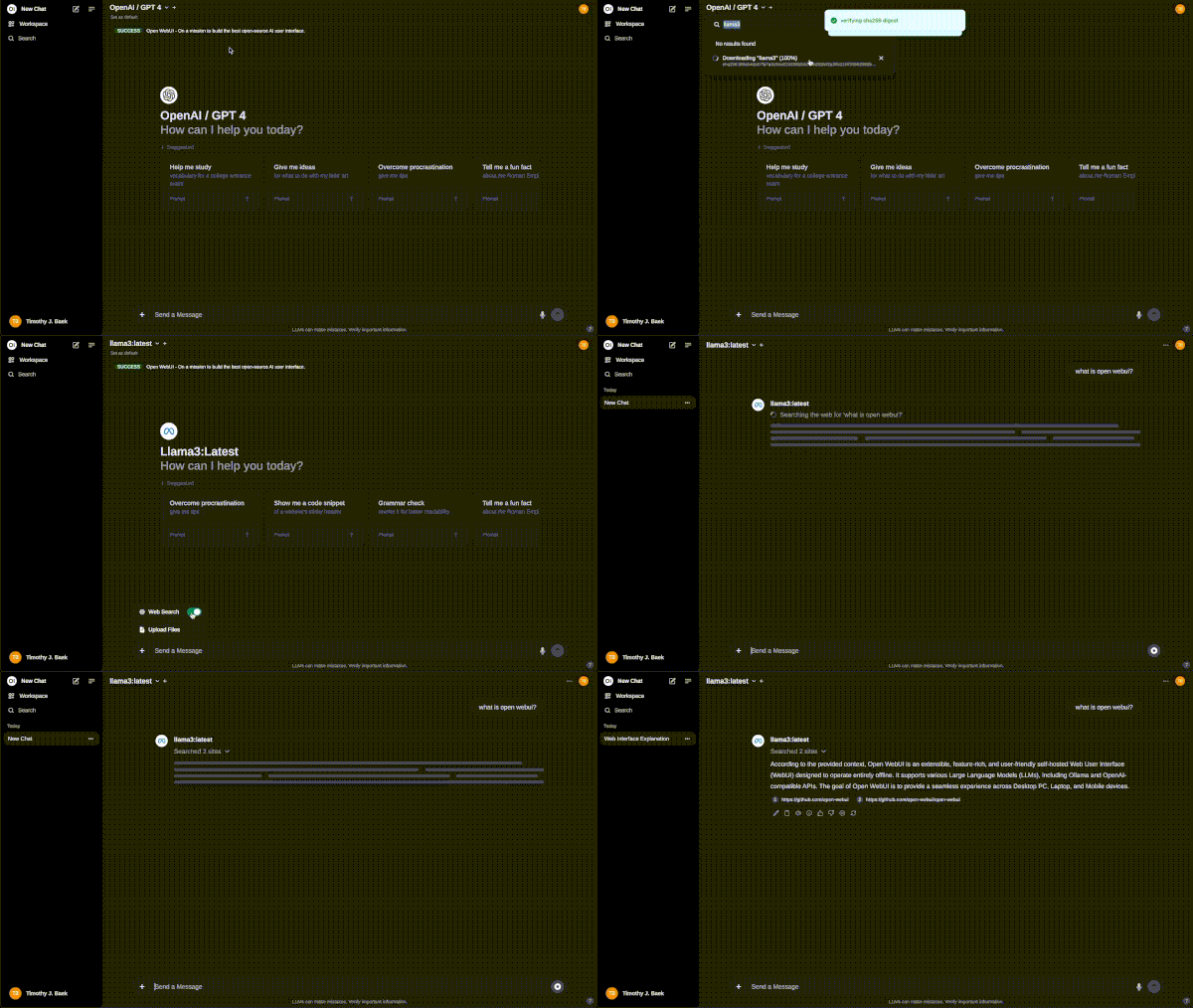
- Web search for updated information, using providers like SearXNG, Google PSE, Brave Search, etc.
- Support for multilingual use.
- Management of users, groups, and granular permissions.
Installation and Configuration
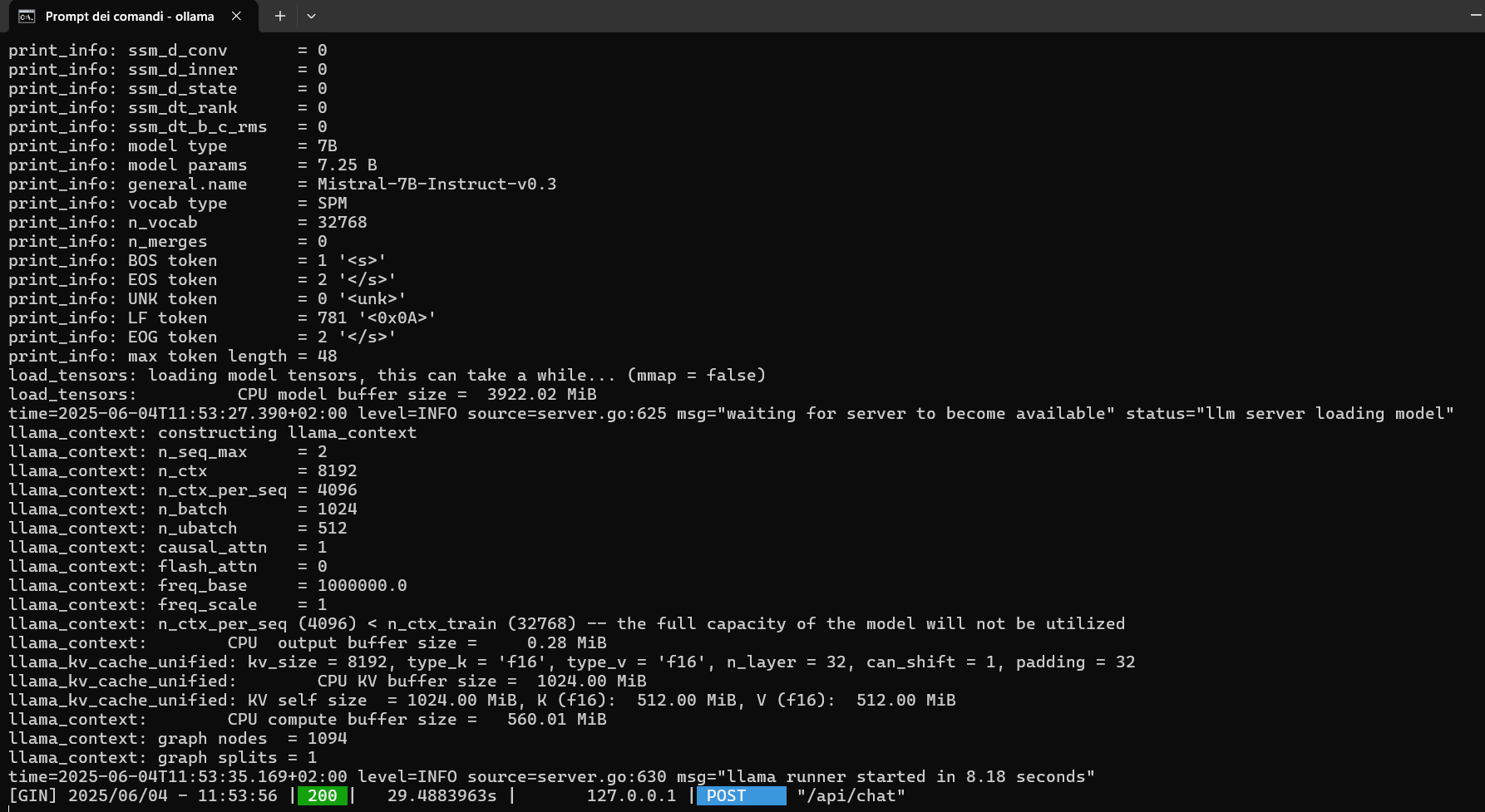
Let’s try using Open WebUI with Docker containers [5][6], combined with Ollama (already installed and configured in a previous post [4]).
The commands are as follows:
# To start the Ollama service if it is not running.
ollama serve &
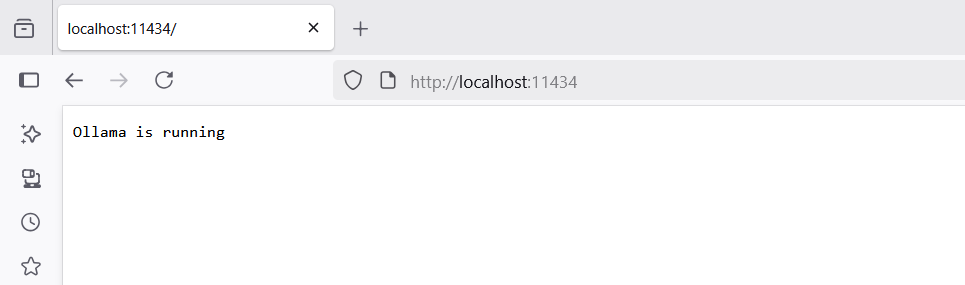
// Opening the URL http://localhost:11434 should display the message: Ollama is running
# To check if Docker is installed and running:
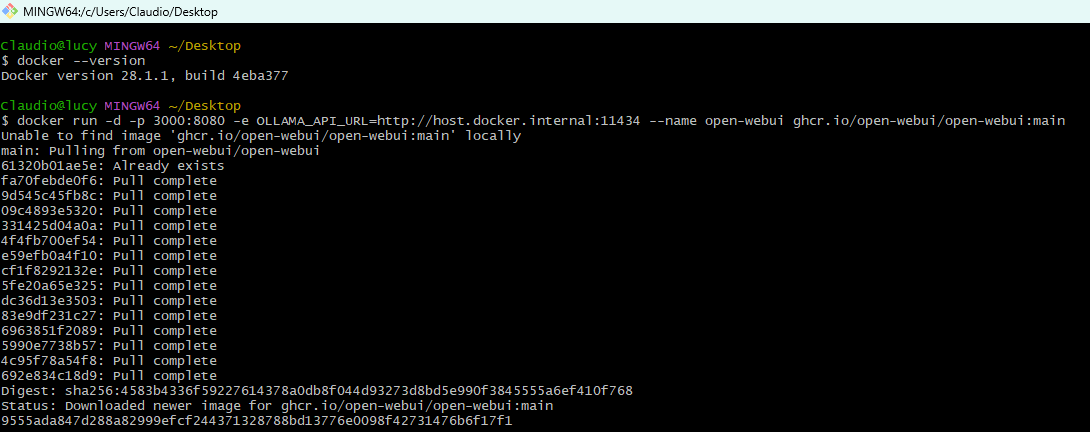
docker --version
# To create the Docker container.
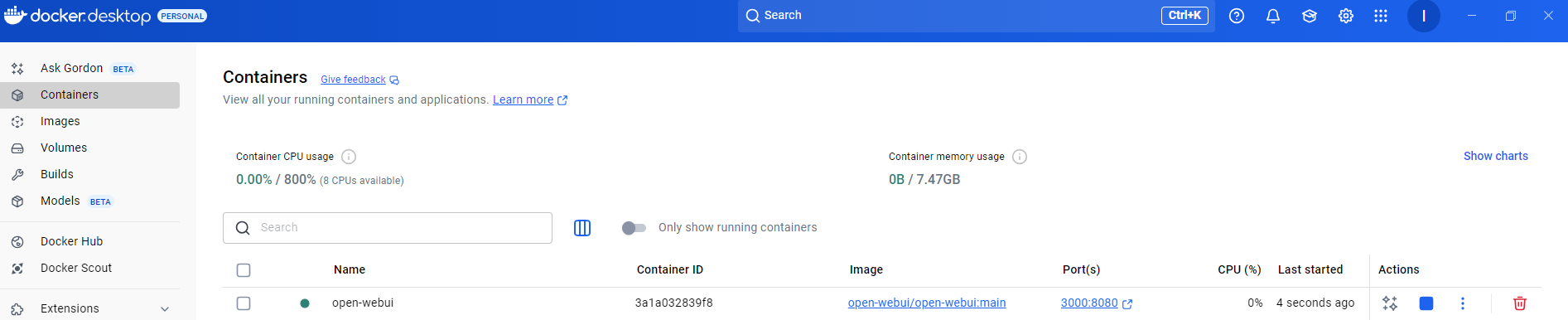
docker run -d -p 3000:8080 -e OLLAMA_API_URL=http://host.docker.internal:11434 --name open-webui ghcr.io/open-webui/open-webui:main
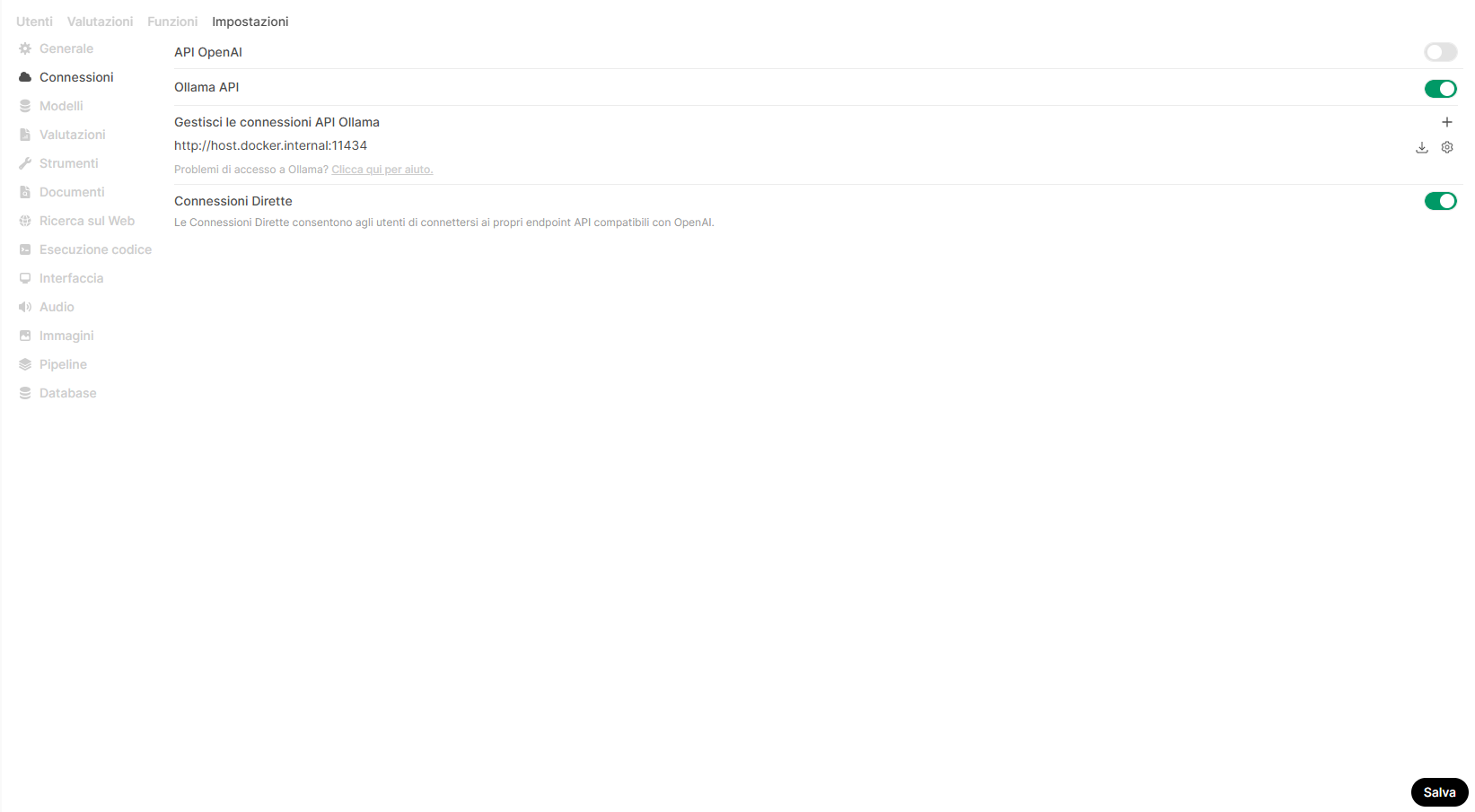
This command creates and runs a container on which Open WebUI will run (the program inside the container runs on port 8080, but it is exposed outside the container and thus on our computer on port 3000) already configured to send queries to the Ollama server running on our computer.
The address http://host.docker.internal:11434 tells Docker that Ollama is running on the same machine as Docker Desktop.
Obviously, this command is valid only for testing purposes, in production environments other parameters are needed, for example to ensure data persistence.
Once the container is running, you can access the Open WebUI interface by opening this link in a browser: http://localhost:3000
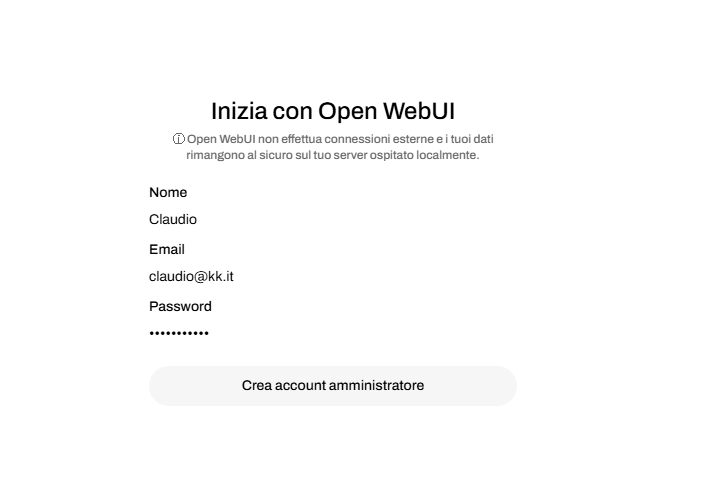
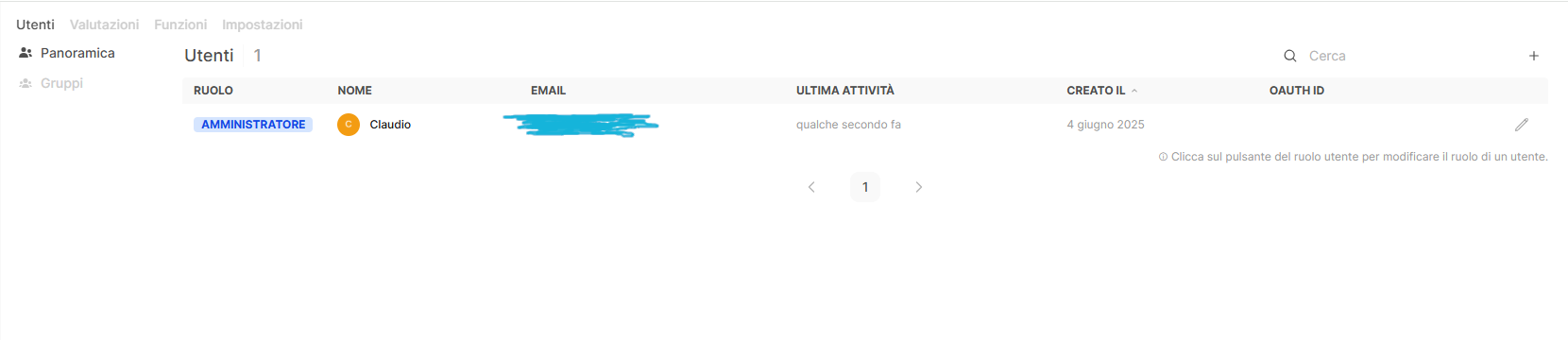
The system will immediately ask to set up an administrator account:
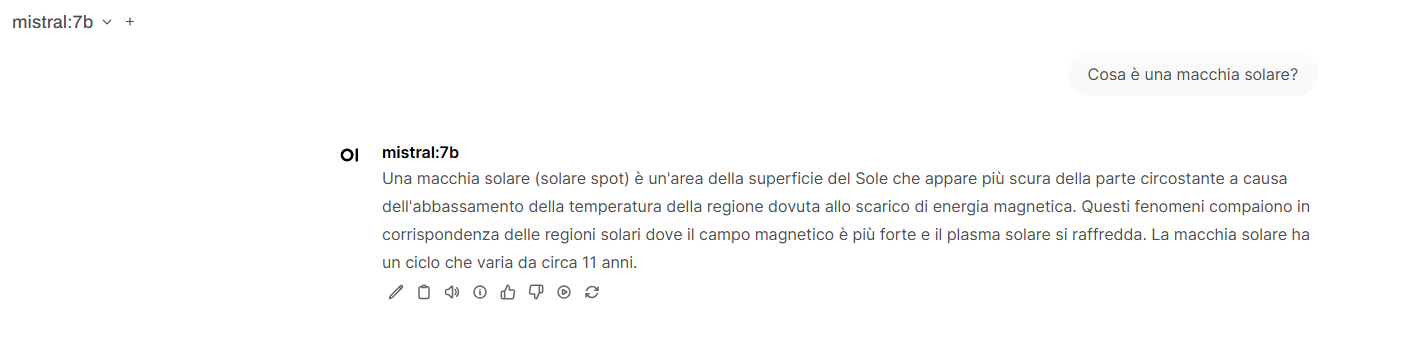
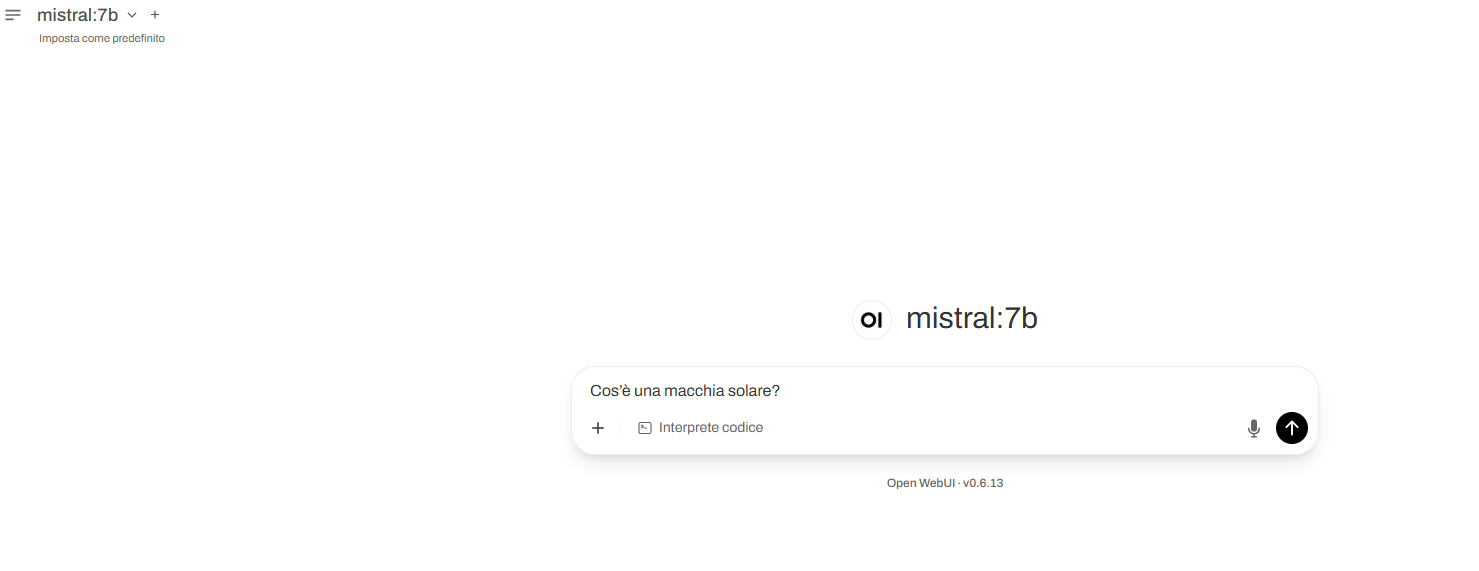
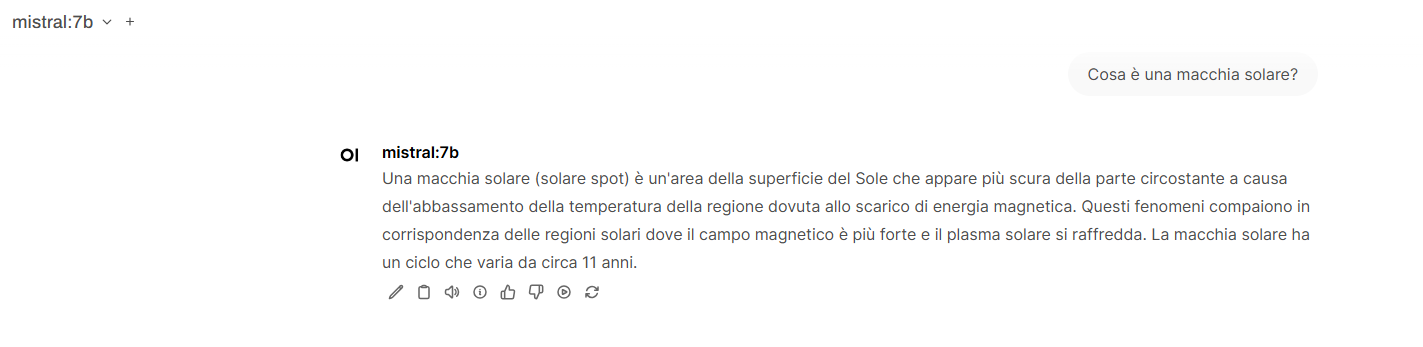
At this point, the system will be ready to be queried: the query typed in the Open WebUI input box will be sent to Ollama and its response will be displayed in the same box.
The model used for the queries in this example is Mistral:7b, downloaded and installed on Ollama in the previous post [4].
Using the HTTP API
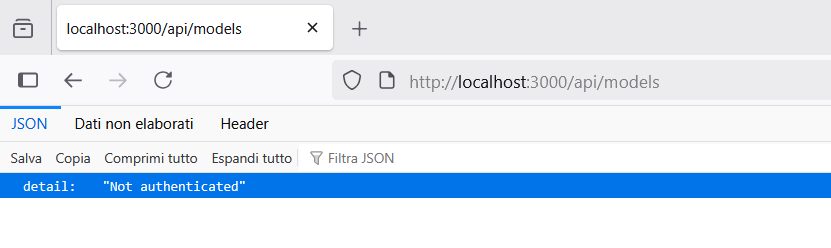
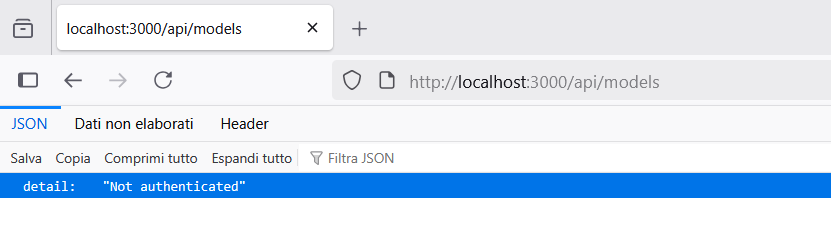
It is possible to query Open WebUI using API endpoints [5] which are protected by authentication.
Authentication can be done in two ways:
- Using an API Key.
- Using a JWT token (In this case, a first call is made specifying username and password, receiving a token to use in subsequent calls).
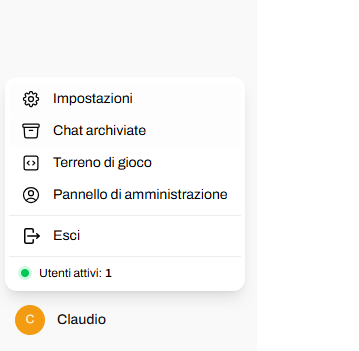
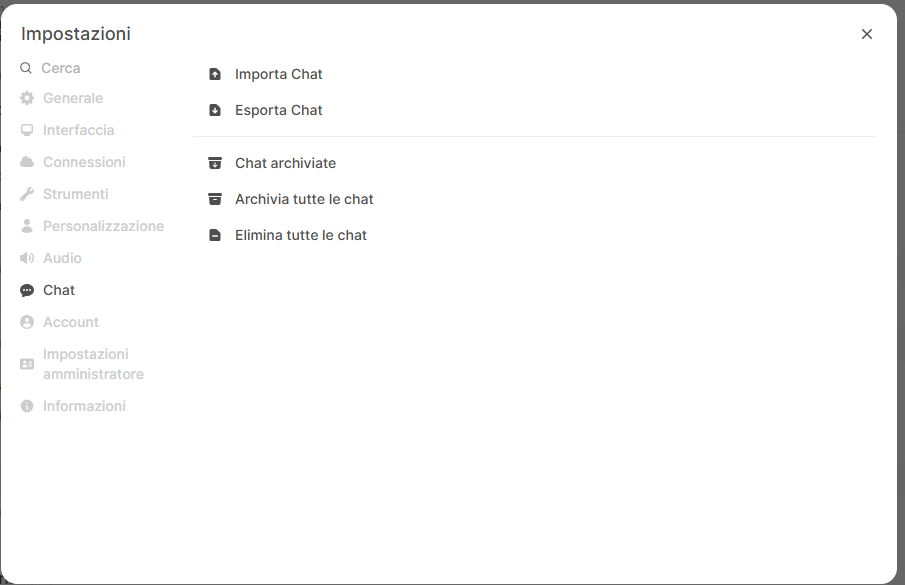
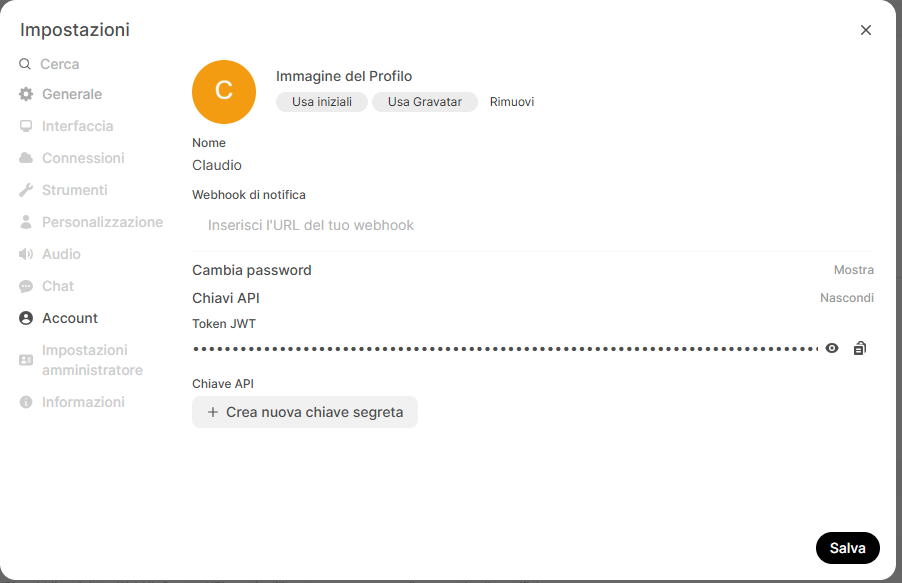
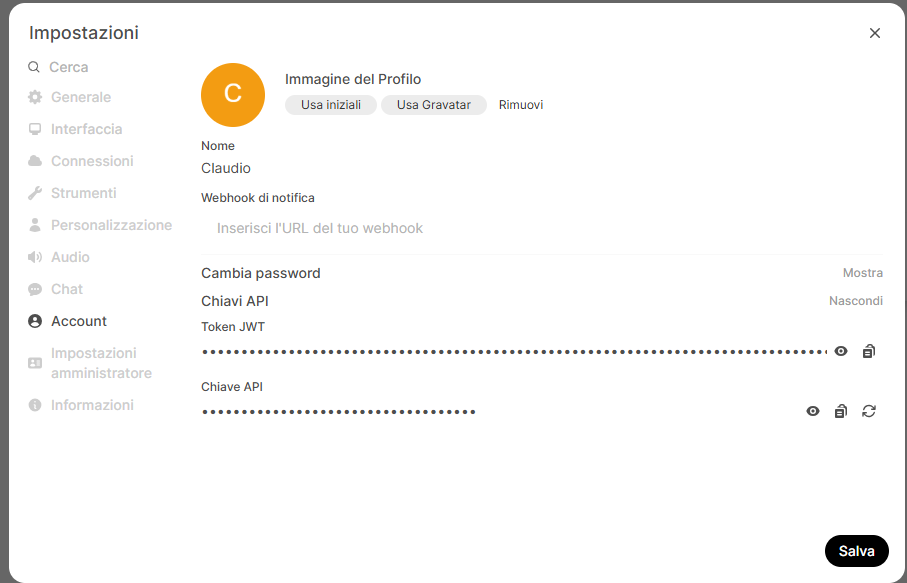
To create the key for method 1, click on the user profile icon (bottom left), then on Settings->Account, and then on Create new secret key.
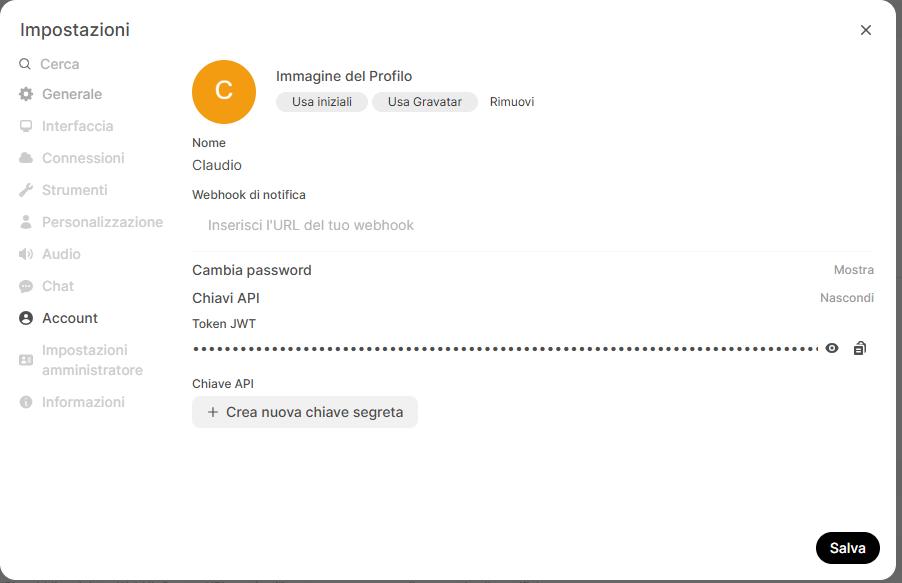
At this point, you can make calls using the API Key, for example:
# Retrieve the list of available models:
curl -X GET "http://localhost:3000/api/models" -H "Authorization: Bearer YOUR_API_KEY" -H "Content-Type: application/json"
# Make a query:
curl -X POST http://localhost:3000/api/chat/completions -H "Authorization: Bearer YOUR_API_KEY" -H "Content-Type: application/json" -d '{"model": "mistral:7b","messages": [{"role": "user","content": "Why is the sky blue?"}]}'
The complete list is available on the official Open Web UI website [5].
Image Gallery


Sources and References
- Open WebUI official website.
- Open WebUI Features official documentation.
- OpenWebUI Repository on GitHub.
- Running a Local LLM Model with Ollama, on this blog.
- Open WebUI API Endpoints.
- Installing and Configuring Docker on Windows 10 on Ionos website.
- Docker Crash Course for Absolute Beginners on TechWorld with Nana.
*** Note: This article was translated using an automated workflow built with n8n and OpenAI.