
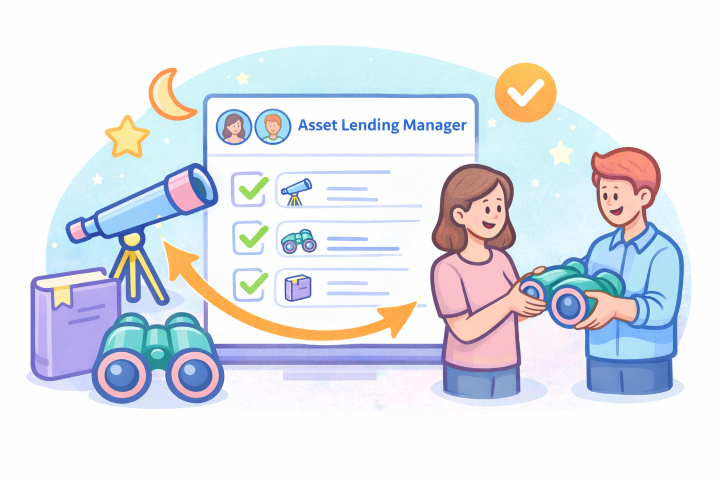
The astronomy club I am part of needs a program to track all the devices owned by the association, temporarily loaned to members.
These are mainly telescopes, mounts, binoculars, and components for observation and astrophotography.
Until now, everything has been managed with Excel sheets, but as the number of members and devices to assign has grown, we decided to simplify management and loan procedures with a dedicated program.
First, we searched online for existing Open Source solutions, but only found complex programs or abandoned projects, so we decided to develop our own solution. Since we already have a WordPress site, I proposed creating a plugin for this CMS to meet our needs, and the proposal was accepted.
This is how the Asset Lending Manager (ALM) was born, and this morning I published the first version on GitHub.
Plugin Description
ALM is an open-source plugin that can be installed on any WordPress site and aims to be generic enough to be used by associations, schools, labs, and any organization needing to track the loan of objects, devices, and various resources.
Of course, the version published this morning is only the first and has a limited number of features, but we already have many ideas on how to enhance it and make it even more useful.
In the coming days, we will start a more thorough testing phase to verify its functionality, then we will put it into production and begin using it.
From a functionality standpoint, it is straightforward to explain; it defines some new entities that add to the predefined ones in WordPress:
- The roles of Operator and Member,
- a custom content type: the Resource,
- a series of custom taxonomies: resource type, resource status, resource category, etc.
- the resource list view,
- the resource detail view,
- a menu called ALM in the CMS back office with various sections.
The idea is to request the plugin’s publication in the official WordPress catalog.
Plugin Features
The resource list is visible to everyone, even anonymous users, and offers the ability to search within the archive using a free-text filter or an advanced search mask with various other filters.
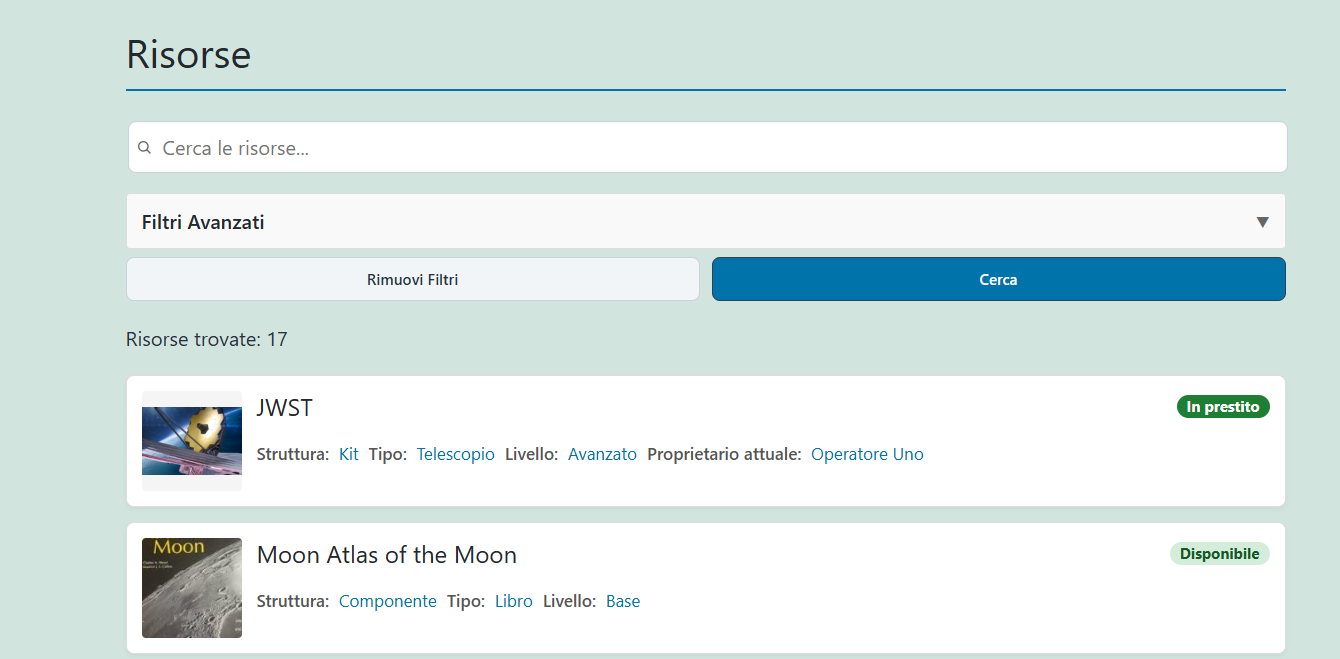
Clicking on one of the search results opens the device detail view, which contains various sections to better describe its features and perform operations on it.
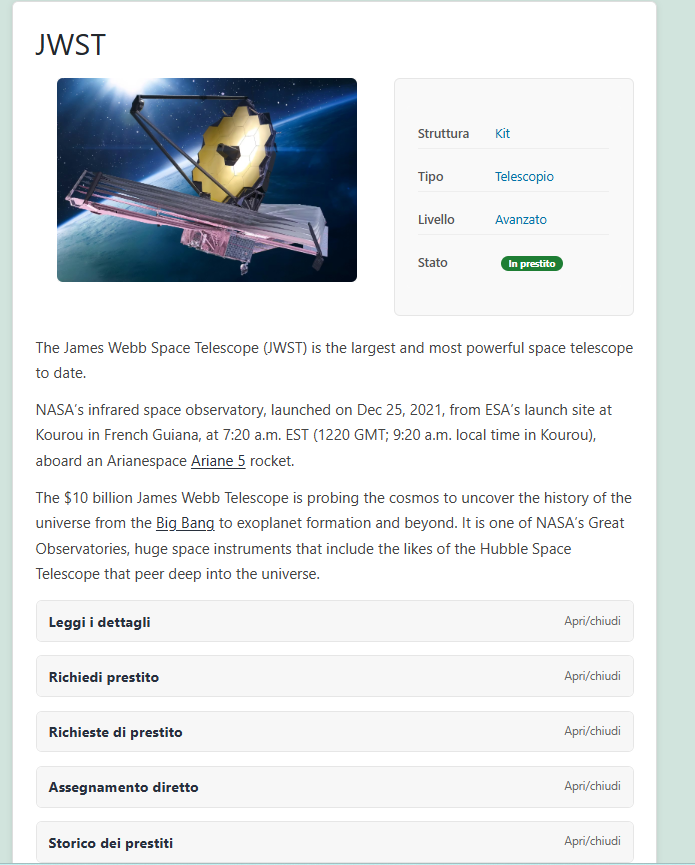
The number of sections depends on each user’s permissions, so an anonymous user sees only some fields of the information section, while the member and operator see more based on the permissions assigned to their role.
Specifically, a member can:
- perform an advanced search within the catalog,
- view the complete resource card,
- request the loan of a device,
- accept or reject the loan request of a resource in their possession.
An operator, in addition to a member’s functionalities, can:
- manage devices: add, modify, and delete them,
- manage taxonomies,
- manage plugin configurations,
- view the assignment history,
- receive notifications of all loans occurring within the platform,
- make a direct resource assignment.
Regarding resources, they can currently be of two types: component or kit. A component is a simple object (e.g., binoculars, book, frame, mount, simple telescope, etc.), while a kit is a set of components (typically larger telescopes consist of a tripod, various eyepieces, battery, etc.). The program allows managing the fact that besides lending an entire kit, a single component can also be loaned without losing its kit association.
The system sends notifications via email following certain user actions: loan request, loan approval, direct assignment, etc.
Possible Extensions
We haven’t started testing and using it yet, but new needs and ideas for future features have already arisen, including:
- the ability to associate a QR Code and a barcode with a resource,
- the ability to “check in” and “check out” resources assigned to a member via QR Code or barcode scanning,
- a REST API to allow interoperability with other programs,
- a configuration interface for various parameters to be inserted in the back office,
- the ability to manage the placement of resources within a warehouse,
- the ability to manage other states: under repair, decommissioned, etc.
- manage communications within the platform between users who need to agree on the handover of a resource.
Dependencies and Development Methodology
Currently, ALM depends only on ACF (Advanced Custom Fields), a well-known plugin for creating and managing custom fields within WordPress content types.
Regarding the development methodology, there’s something interesting because I wanted to try using two AIs as assistants or copilots: ChatGPT Codex and Claude Code. I must admit that not only was it a very interesting and instructive experience, but it was also surprising, and that’s why I will probably discuss it in a dedicated post.
Considerations
As mentioned, this is only the first version of the plugin, and only in the coming days will we start testing it seriously. However, we hope to put it into production soon and make it available to anyone who wants to use it.
Being an Open Source project, anyone can contribute to its development, perhaps just by sending comments, bug reports, or requests for new features.
The source code is available and published on GitHub.com.
Sources and References
- Associazione Astrofili Pisani Galileo Galilei (AAGG), official site.
- Asset Lending Manager, project on GitHub.
- ALM Demo online, temporary site with a system demo.
- ALM Documentation: Readme (project description), Email Notification Schema and Role Permission Schema.
*** Note: This article was translated using an automated workflow created with n8n and OpenAI.